ChatGPT is a powerful AI model capable of generating text, writing scripts, designing dialogues, offering creative ideas, and even analyzing audience behavior. It can create compelling content within seconds, making it ideal for video production. If you're curious about how to make videos with ChatGPT, this guide will walk you through everything you need to know.
Why Use ChatGPT for Video Creation?
ChatGPT is one of the most popular AI tools used by content creators for generating video scripts. While it doesn’t directly produce videos, it plays a key role in scriptwriting the heart of any video. To create a fully professional video, you’ll need to combine ChatGPT with other AI tools, but it all starts here.
What You Need to Start: Virtual Numbers for AI Platforms
To unlock the full potential of AI platforms like ChatGPT, Synthesia, and Runway, users often need to register using international numbers. This is where the need to buy OTP virtual number becomes essential. These virtual numbers help users quickly sign up on global AI services without geographic restrictions, enabling faster access to premium features, smoother onboarding, and uninterrupted content creation.
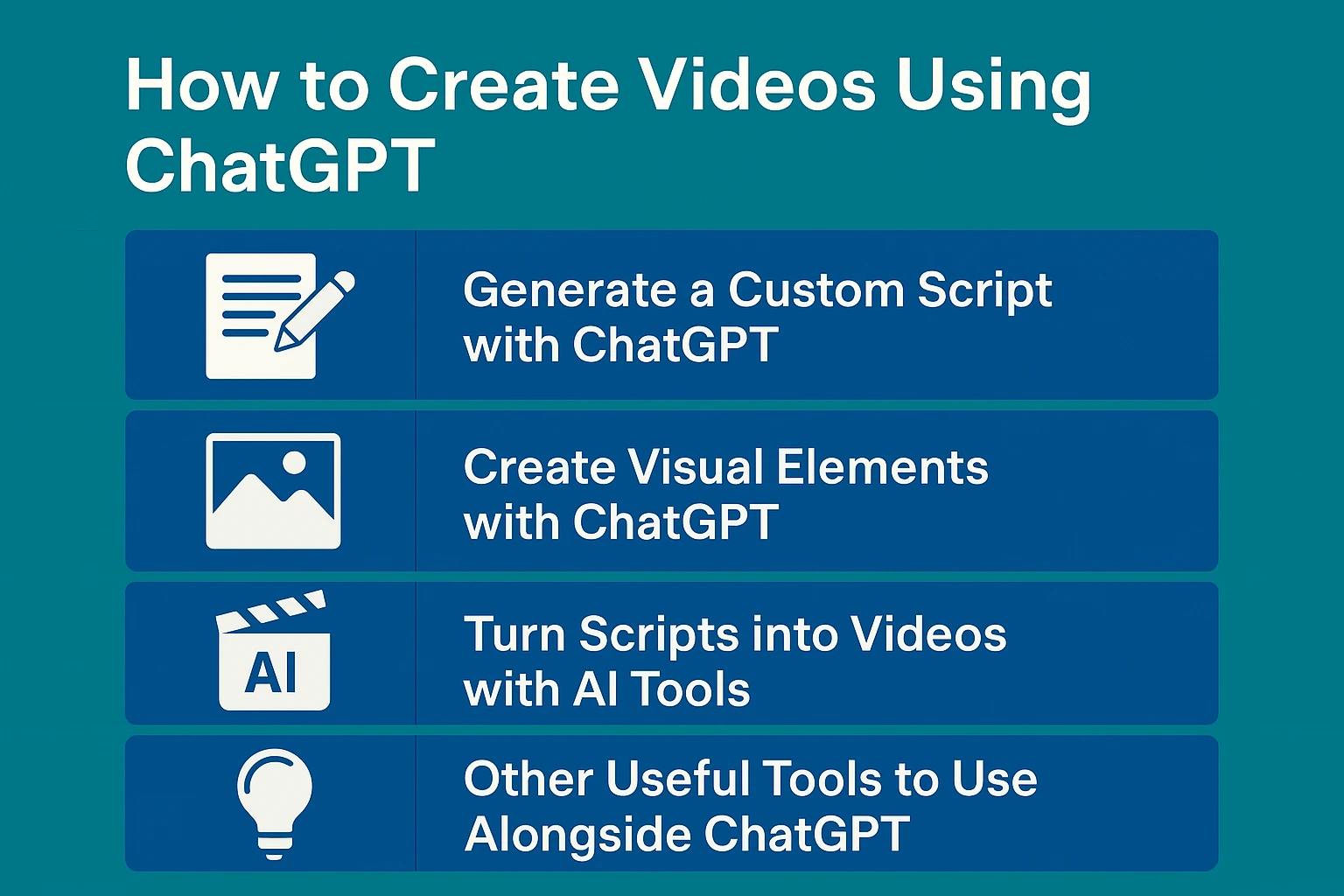
How to Generate a Custom Script with ChatGPT
To create a standout video, a strong script is essential and ChatGPT can help you build it in minutes. Here’s how you can guide the AI to write the perfect script for your video:
Ask yourself these four key questions before prompting ChatGPT:
- What type of video are you making? (e.g., comedy, explainer, ad)
- Who is your target audience? (age, interests, pain points)
- What is the core message or takeaway of the video?
- How many characters are involved, and what are their traits?
The clearer your answers, the more accurate and engaging your final script will be. If needed, you can also ask ChatGPT to revise or improve the output.
Creating Visual Elements with ChatGPT
Depending on your video needs, you can also use ChatGPT to help with visual ideas. For example, if you're building a scenario, ask ChatGPT to generate graphic element suggestions that align with your script. This helps you or your design tools create relevant images that match your video’s mood and theme.
Turning Scripts into Videos with AI Tools
After generating your script with ChatGPT, you’ll need video production tools like AI Studios, Synthesia, or Veed.io to turn it into a final video. These platforms let you upload your script and use realistic AI avatars to narrate and act out your content.
Comparison of Top AI Video Tools:
Veed.io
- Focuses on video editing and automatic subtitles
- Offers filters, effects, and background noise removal
- Converts text to video
- Great for content creators
- Offers a feature-rich free version
AI Studios
- Advanced AI capabilities
- Ideal for business and B2B presentations
- Includes realistic 3D avatars
- Great for formal or educational content
Synthesia
Perfect for training, business, and instructional videos
- Realistic news anchor-style avatars
- Supports 100+ languages
- Allows script upload and text-to-speech conversion
- Useful for HR, marketing, and learning teams
By combining ChatGPT’s scriptwriting with these tools, you can create engaging and professional videos with ease.

Other Useful Tools to Use Alongside ChatGPT
In addition to the AI tools above, these platforms can enhance your video creation workflow:
- Pictory: Converts scripts into videos using stock visuals
- Canva: Helps design simple animations and visuals
- CapCut / InShot: Final editing, sound effects, subtitles, and transitions
Final Thoughts
Creating videos with ChatGPT is fast, affordable, and incredibly effective. All you need is a good prompt and the right supporting tools. If you're a content creator, combining ChatGPT with AI video platforms can transform your production process and help you stand out. So why wait? Try ChatGPT today and bring your video ideas to life!