.webp)
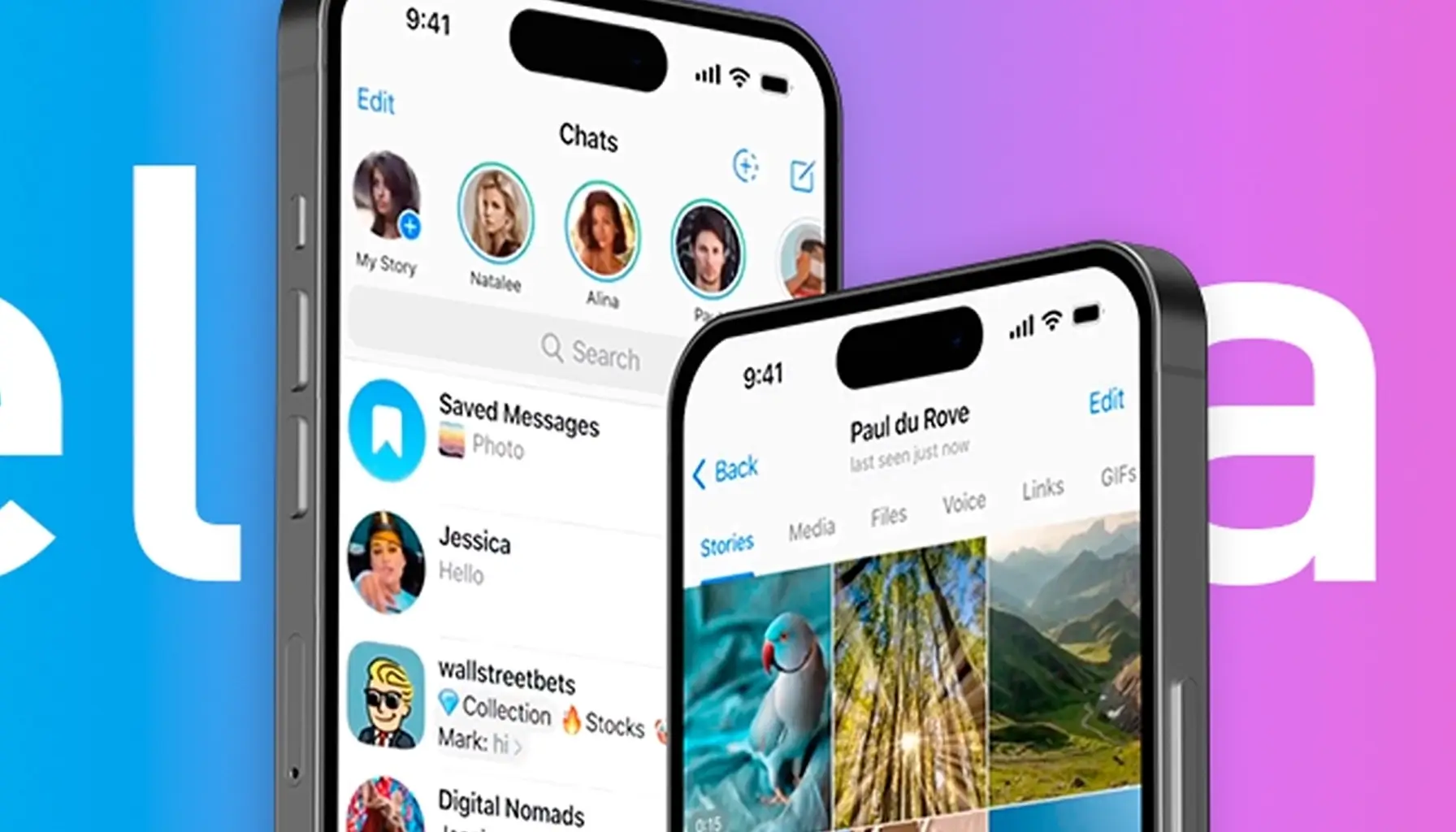
Telegram has grown far beyond a simple messaging platform. In 2025, it is a full-featured social communication app used by millions to share personal moments, business updates, and interactive media. One of its most engaging features Telegram Stories allows users to post time-limited photos and videos that vanish after a set period. While this disappearing content is excellent for privacy and engagement, many users often wish they could save Telegram stories permanently.
Whether you want to archive your favorite memories, save useful content, or repurpose marketing materials, downloading Telegram stories can be incredibly useful. In this in-depth guide by sms online , we’ll walk you through the most effective, secure, and up-to-date methods for downloading Telegram stories.
What Are Telegram Stories & Why Do People Want to Download Them?
Telegram Stories are temporary posts—usually photos or short videos—that are visible to contacts or followers for up to 24 hours. Users can customize their audience, apply filters, and even add interactive stickers, polls, or captions. These stories appear at the top of the app interface, mimicking the format popularized by Instagram and Snapchat.
But once the time expires, they’re gone for good unless you save them. This is why many users ask:
“How can I download Telegram stories before they disappear?”
People download Telegram stories for many reasons:
- To save important updates or announcements.
- To retain meaningful memories from friends and family.
- To archive business or influencer content.
- To share inspirational content across other social media platforms.
Proven Methods to Download Telegram Stories
Let’s break down the most effective and secure ways to save Telegram stories—based on your device, budget, and personal preference.
Use Telegram Premium for Direct Story Downloads
The most seamless and high-quality method for saving stories is through Telegram Premium. With this subscription, you unlock additional features—one of which is the ability to download stories directly from the Telegram app.
How It Works:
- Upgrade your account to Premium in the Telegram settings.
- When viewing someone’s story (if permitted by their privacy settings), a “Save” or “Download” option appears.
- Tap to download the content directly to your device gallery.
Pros:
- Maintains original image/video quality.
- No third-party apps or tools needed.
- Fast and private completely within the Telegram ecosystem.
For influencers, marketers, and professional users, this is the safest and cleanest way to archive content.
Record the Story Using Your Device (Free Option)
If you don't use Telegram Premium, there’s a reliable alternative: screen recording and screenshot capturing.
For Photo Stories:
- On Android: Press Power + Volume Down to take a screenshot.
- On iPhone: Press Power + Volume Up, or Power + Home depending on your model.
For Video Stories:
- Use the built-in Screen Recorder feature available in both iOS and Android.
- Start recording before opening the story.
- Stop the recording once the content ends, and the video will be saved to your gallery.
This method doesn’t require any payments or third-party apps, but keep in mind:
- Quality may not match original content.
- You may capture unwanted on-screen elements.
Who Should Save Telegram Stories?
Downloading Telegram stories isn’t just for casual users. It can be a strategic tool for:
- Influencers: Archive content for future reposts or highlights.
- Businesses: Save promotional campaigns or product updates.
- Content Creators: Repurpose stories for TikTok, Instagram, or YouTube Shorts.
- Educators: Keep educational or tutorial-based content for reuse.
- Community Managers: Share saved stories across multiple groups or channels.
No matter your purpose, downloading stories gives you more control over your content.
Saving stories is just the beginning. If you want to maximize the impact of your Telegram presence, growing your audience is essential. That’s where [my social member] comes in a trusted solution for buying real Telegram members and increasing engagement.
With my social member, you can:
- Buy active and targeted Telegram members.
- Increase post views and story reach.
- Strengthen your channel’s credibility and authority.
- Drive real results for your business, brand, or community.
Whether you're managing a public group, a product channel, or a personal profile, combining high-quality content with smart growth strategies delivers powerful results.
Download Telegram Stories & Take Control of Your Content
In today’s fast-paced digital world, content can vanish in seconds. Telegram stories are no exception. Fortunately, with methods like Telegram Premium, screen recording, and screenshot capture, you can save what matters most before it disappears forever.
Once you’ve mastered story-saving, don’t forget to amplify your content’s reach by growing your Telegram channel using proven tools like my social member. This dual approach content retention + audience growth is the secret to long-term success on Telegram in 2025.


