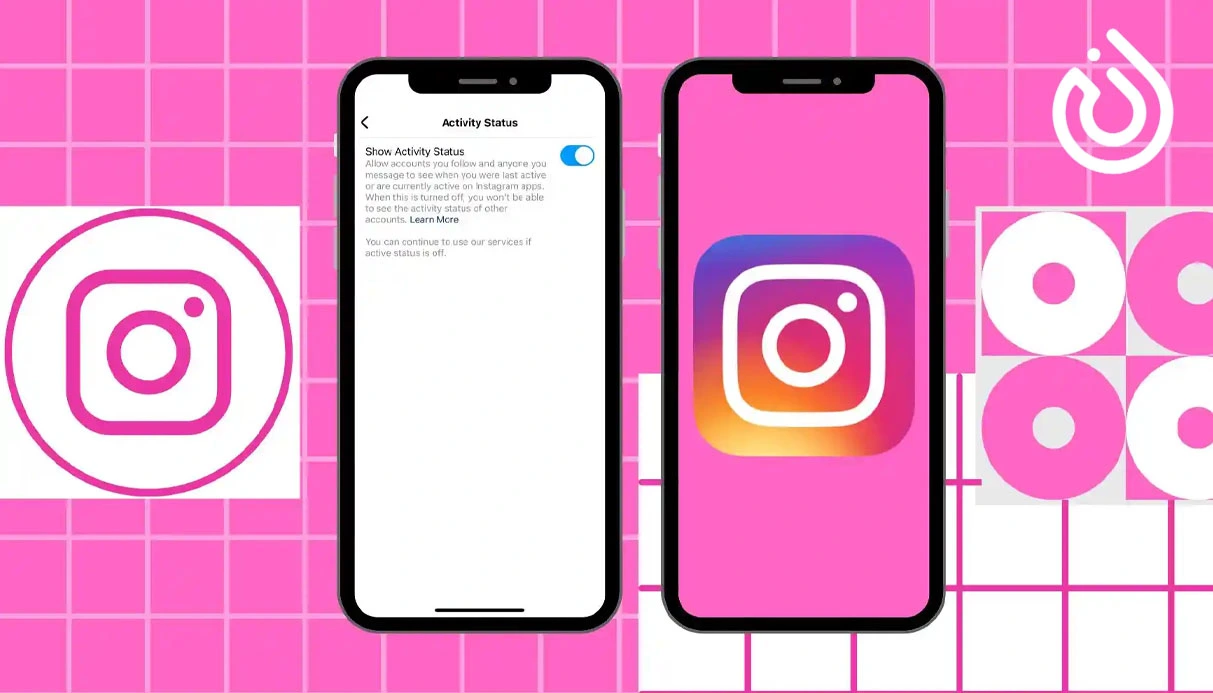
In today's digital world, privacy is becoming more important than ever. Instagram is one of the most popular social media platforms, and it shares your activity status by default. If you're someone who prefers to browse quietly or use the app without letting others know you're online, learning how to hide your online status on Instagram can make your experience more private and relaxed.
This guide will show you why it's smart to disable your activity status, how to do it, and how this relates to using multiple accounts and tools like virtual number purchase.
Why You Might Want to Hide Your Instagram Online Status
By default, Instagram shows a green dot or a "last active" label in Direct Messages (DMs) to let your followers and message contacts know when you were last online. This can create pressure making users feel like they must reply instantly or be available all the time.
Here are a few common reasons why people choose to turn off their online status on Instagram:
- To avoid unwanted messages or conversations
- To focus on browsing content without distractions
- To manage multiple accounts without showing activity
- To improve privacy and control over their online behavior
- To reduce social anxiety or digital fatigue
When you disable this feature, your followers won’t be able to see when you were last online giving you the freedom to use the app on your own terms.
How to Turn Off Activity Status on Instagram
Turning off your Instagram online status is simple and only takes a few seconds. You can do it from both the mobile app and the desktop version. Here's how:
- On Mobile (iOS / Android):
- Open the Instagram app and go to your profile
- Tap the menu icon (three lines in the top-right corner)
- Select Settings and privacy
- Tap Messages and story replies
- Choose Show activity status
- Toggle the switch to off
- On Desktop (Web):
- Visit Instagram.com and log into your account
- Click your profile picture and go to Settings
- Click Privacy and Security
- Find Activity Status and uncheck Show Activity Status
Once disabled, you’ll no longer appear as "active now" or "active x minutes ago" to other users. However, you also won’t see their activity statuses.
Will Disabling Online Status Affect Messaging?
No. Disabling your activity status won’t stop messages from coming through. You can still receive, send, and reply to DMs as normal. The only change is that people won’t see your current activity status so you can take your time without any pressure to respond immediately.
Managing Multiple Instagram Accounts Privately
If you’re someone who runs multiple Instagram accounts for example, a personal one, a business profile, or even a testing account hiding your activity status becomes even more important. You might want to browse with one account without clients or followers seeing that you're online.
But here's the challenge: creating multiple Instagram accounts often requires multiple phone numbers. That’s where virtual numbers come into play.
Why a Virtual Number Is Useful for Instagram
A virtual number for Instagram is a phone number you can purchase online to verify and create new Instagram accounts without using your real SIM card. These numbers function like real mobile numbers and are perfect for:
- Creating extra accounts safely
- Keeping business and personal lives separate
- Enhancing anonymity
- Avoiding spam or exposing your private number
There are many trusted services that let you buy a virtual number instantly, which is useful not only for Instagram, but also for apps like WhatsApp, Telegram, and more.
Benefits of Hiding Online Status Combined with Virtual Number Use
When you combine hiding your activity status with using a virtual number, you get a much more private and controlled experience on Instagram. Whether you're a digital marketer, influencer, or just a regular user who values privacy, these two tools help you:
- Stay under the radar while managing accounts
- Browse without constant interruptions
- Reduce digital burnout and improve focus
- Create new accounts without tying them to your personal identity
These small actions go a long way in building a healthier relationship with social media.
Stay Private, Stay in Control
Learning how to hide your online status on Instagram is a simple step toward a more private and intentional digital experience. It gives you the freedom to engage when you choose not when others expect you to.
And if you're managing multiple profiles, want to stay anonymous, or simply prefer not to connect all your Instagram activity to one phone number, buy virtual number is the perfect solution. With virtual number purchase, you can create and manage your Instagram presence safely, privately, and without limitations.
Take control of your digital identity today. One setting, one number one smarter way to use Instagram.


