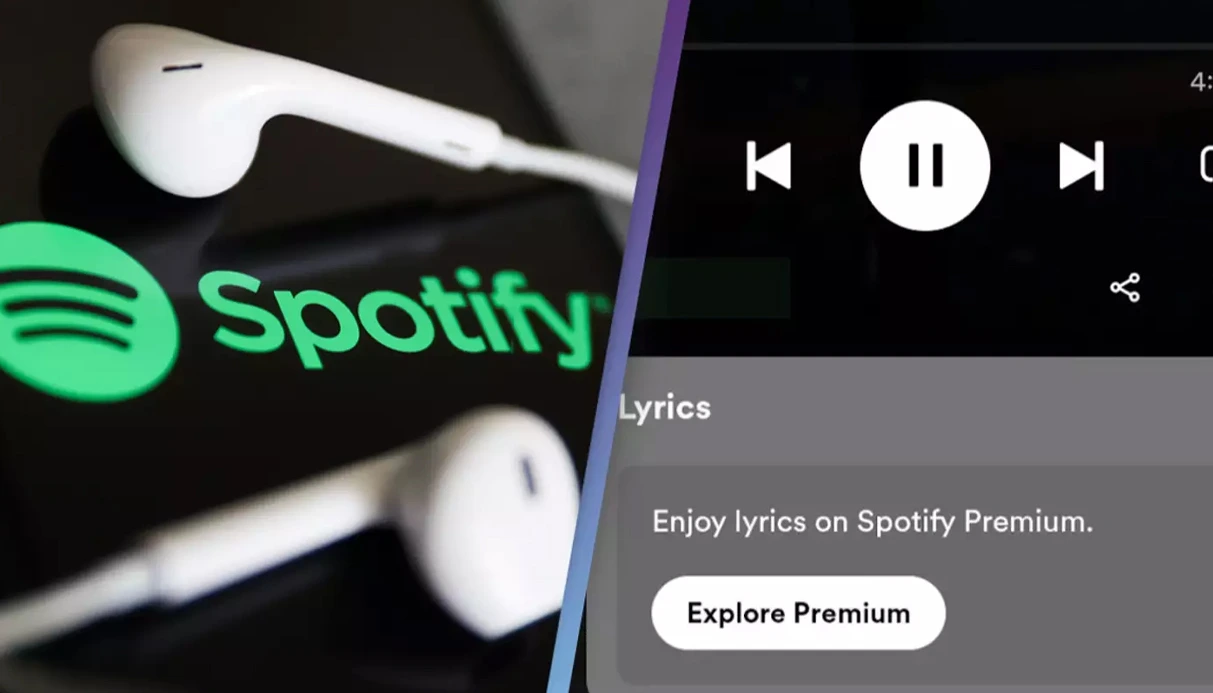
Music is an integral part of our daily lives, and understanding the lyrics can deepen our connection to the songs we love. Spotify's lyrics feature enhances this experience by providing real-time, synchronized lyrics across various devices.
Introduction to Spotify Lyrics
Spotify's lyrics feature, powered by Musixmatch, allows users to view synchronized lyrics while listening to their favorite songs. This feature is available to both Free and Premium users across various platforms, including mobile devices, desktops, web browsers, and smart TVs.
How to View Lyrics on Spotify Mobile App
To access lyrics on the Spotify mobile app (iOS and Android):
- Open the Spotify app and play a song.
- Tap on the "Now Playing" bar at the bottom of the screen.
- Swipe up to reveal the lyrics, which will scroll in real-time as the song plays.
If the lyrics are available for the selected track, they will appear automatically.
How to View Lyrics on Spotify Desktop App
To view lyrics on the Spotify desktop application:
- Launch the Spotify desktop app and play a song.
- Click on the microphone icon located in the "Now Playing" bar at the bottom.
- The lyrics will appear and scroll in sync with the music.
This feature provides an immersive experience, allowing users to follow along with the song's lyrics seamlessly.
How to View Lyrics on Spotify Web Player
To access lyrics on the Spotify Web Player:
- Navigate to open.spotify.com and log into your account.
- Play a song of your choice.
- Click on the microphone icon in the "Now Playing" bar at the bottom.
- If lyrics are available, they will display and scroll in real-time.
Note that the availability of lyrics on the web player may vary depending on the song and region.
How to View Lyrics on Spotify TV App
For users accessing Spotify on smart TVs:
- Open the Spotify app on your smart TV and play a song.
- Navigate to the "Now Playing" view.
- Select the "Lyrics" button located in the right corner.
- If lyrics are available, they will appear on the screen in sync with the music.
This feature enhances the listening experience, especially during gatherings or karaoke sessions.
.webp)
Sharing Lyrics on Social Media
Spotify allows users to share lyrics on various social media platforms:
- While viewing the lyrics, tap the "Share" button at the bottom of the lyrics screen.
- Select the specific lyrics you wish to share.
- Choose the platform (e.g., Instagram, Facebook, Twitter) to share the lyrics.
This feature enables users to express themselves and connect with others through music.
Benefits of Using Spotify Lyrics
- Enhanced Understanding: Viewing lyrics helps users comprehend the song's message and emotions.
- Language Learning: Following along with lyrics can aid in learning new languages and improving vocabulary.
- Karaoke Experience: Real-time lyrics provide a karaoke-like experience, allowing users to sing along confidently.
- Accessibility: Lyrics support users with hearing impairments, making music more inclusive.
Limitations and Availability
While Spotify's lyrics feature is widely available, there are some limitations:
- Song Availability: Not all songs have lyrics available due to licensing agreements.
- Regional Restrictions: The availability of lyrics may vary by region.
- Device Compatibility: Some older devices or app versions may not support the lyrics feature.
Spotify continues to expand its lyrics database, adding new lyrics regularly.
The lyrics feature in Spotify significantly enhances the music listening experience. Whether you want to better understand a song’s message, learn a new language, or sing along karaoke-style, this feature is beneficial for all users. Additionally, if you plan to purchase a Spotify Premium account and need a secure and easy way to register, buy virtual number purchase service can help you with account activation. By continuously improving and expanding this feature, Spotify offers a richer and more accessible music experience to its users.


