Learn how to create an Apple ID without a phone number in 2025. Follow our step-by-step guide, explore alternative methods, and start using your Apple account securely without phone verification.
Introduction
Creating an Apple ID is essential for accessing Apple services like the App Store, iCloud, Apple Music, and more. However, many users prefer not to use their personal phone numbers during the sign-up process. Whether it’s for privacy concerns or because you don’t have a valid number, there are practical solutions.
In this guide, we’ll show you how to create an Apple ID without a phone number, covering official methods, workarounds, and tools like virtual numbers to keep your account safe and fully functional.
.jpg)
Why Apple Requires a Phone Number?
Apple uses your phone number for:
Two-Factor Authentication (2FA) for security.
Account recovery in case you forget your password.
Verifying your identity to prevent fraud.
Although Apple strongly recommends adding a phone number, it’s possible to bypass this step or use alternatives.
buy google voice number online
Can You Create an Apple ID Without a Phone Number?
Yes, but with limitations. You cannot fully skip the phone number in all regions because Apple pushes for 2FA. However, you can:
Use an email-only verification method (available on some older devices or regions).
Use a virtual number service instead of your personal number.
Method 1: Create Apple ID Without Phone Number on Web (Email Verification)
Go to Apple ID website.
Click Create Your Apple ID.
Fill in your details (Name, Country, Birth Date).
Enter a valid email address (this becomes your Apple ID).
Leave the phone number field blank or select Don’t use this number (if available in your region).
Complete CAPTCHA and click Continue.
Check your email for verification code and enter it.
Note: In some regions, Apple does not allow skipping the number, so try the next method.
Method 2: Use a Virtual Number for Apple ID
If skipping the phone field is not possible, use a virtual number. These are temporary or permanent numbers that allow you to receive SMS online for verification.
Steps:
Visit a trusted virtual number provider like smsonline.io.
Select a country and choose Apple verification service.
Copy the virtual number and paste it into the Apple ID form.
Wait for the SMS verification code on the website and enter it on Apple’s page.
Benefits of Virtual Numbers:
Keep your real number private.
Quick and affordable solution.
Works worldwide.
Method 3: Create Apple ID on iPhone or iPad Without Phone Number
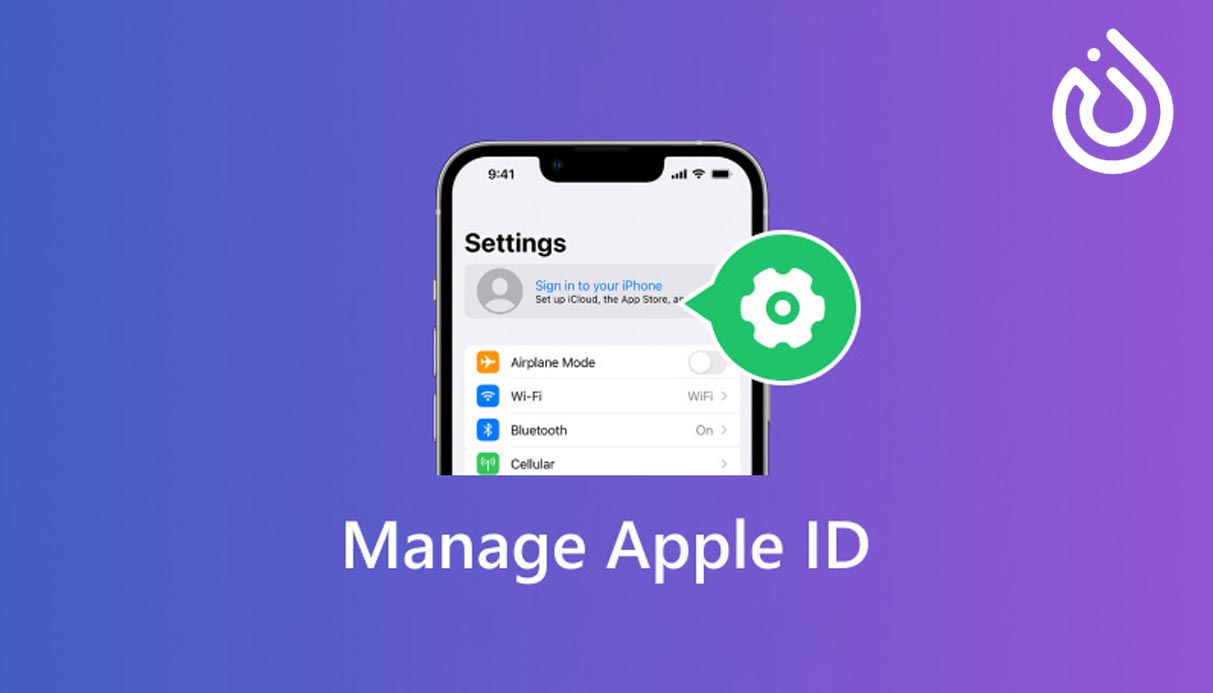
Go to Settings > Sign in to your iPhone > Don’t have an Apple ID?
Tap Create Apple ID.
Enter your name, birth date, and email address.
When asked for a phone number, select Use Email Instead (if available).
Verify via email and complete setup.
Important Tips to Avoid Issues
Always use a strong password and remember it.
Add security questions for extra protection.
If possible, link an alternative email for recovery.
Keep your Apple ID details safe.
Risks of Skipping Phone Number
Harder to recover your account if you forget your password.
Limited access to certain Apple security features.
Increased chance of losing access if hacked.
Why Use SMSOnline.io for Apple ID Verification?
SMSOnline.io provides:
Secure & Reliable Virtual Numbers for Apple ID verification.
Instant SMS Delivery for quick account setup.
Affordable Pricing compared to other services.
Multiple Country Options for flexibility.
Start using smsonline.io today to create an Apple ID without revealing your real phone number and protect your privacy!
Conclusion
Creating an Apple ID without a phone number is possible using email verification (if allowed) or a virtual number. For maximum privacy and security, using a trusted virtual number provider like smsonline is the best solution.
.webp)
.webp)