Imagine having an intelligent assistant that can manage your emails, schedule business meetings, organize trips, and even handle complex, multi-step projects without requiring your constant supervision. This is the vision behind Meta Muse AI.
Unlike traditional chatbots that primarily answer questions, Muse represents a new generation of AI assistants designed to plan tasks and take action on behalf of users. By combining advanced artificial intelligence, personal memory, and integrations with online services, Muse aims to make everyday digital activities faster and more efficient.
As AI tools become increasingly important in business, programming, project management, and daily life, understanding Meta Muse can be valuable for professionals and everyday users alike. In this guide, Ariapay explores what Muse AI is, its main features, practical applications, how to use it, and why a stable internet connection matters.
What Is Meta Muse AI?
Meta Muse AI is an intelligent personal assistant designed to help users manage everyday digital tasks. Its main purpose is to move beyond simple question-and-answer interactions and introduce an AI Agent capable of carrying out multi-step activities.
The biggest difference between Muse and conventional chatbots is its ability to take action. For example, if you ask a traditional chatbot to plan a business trip, it may provide suggestions and useful information. Muse, however, is designed to gather relevant information, compare available options, coordinate plans with your schedule, and assist with the next steps, subject to your approval.
This approach makes Muse an example of how artificial intelligence is evolving from a conversational tool into a more practical digital assistant.
Main Features and Applications of Muse AI
Automated Multi-Step Tasks
Muse can break down complex requests into smaller tasks and organize the steps required to complete them. For example, it can help plan a business trip by researching flights and accommodation, collecting relevant information, and preparing an itinerary based on your budget and schedule.
Email and Calendar Management
Another important feature is integration with work-related services such as email and calendars. With the appropriate permissions, users can ask Muse to review messages, identify upcoming meetings, coordinate schedules, and organize daily activities.
For sensitive actions, such as sending emails, user approval may be required.
Personal Memory and User Preferences
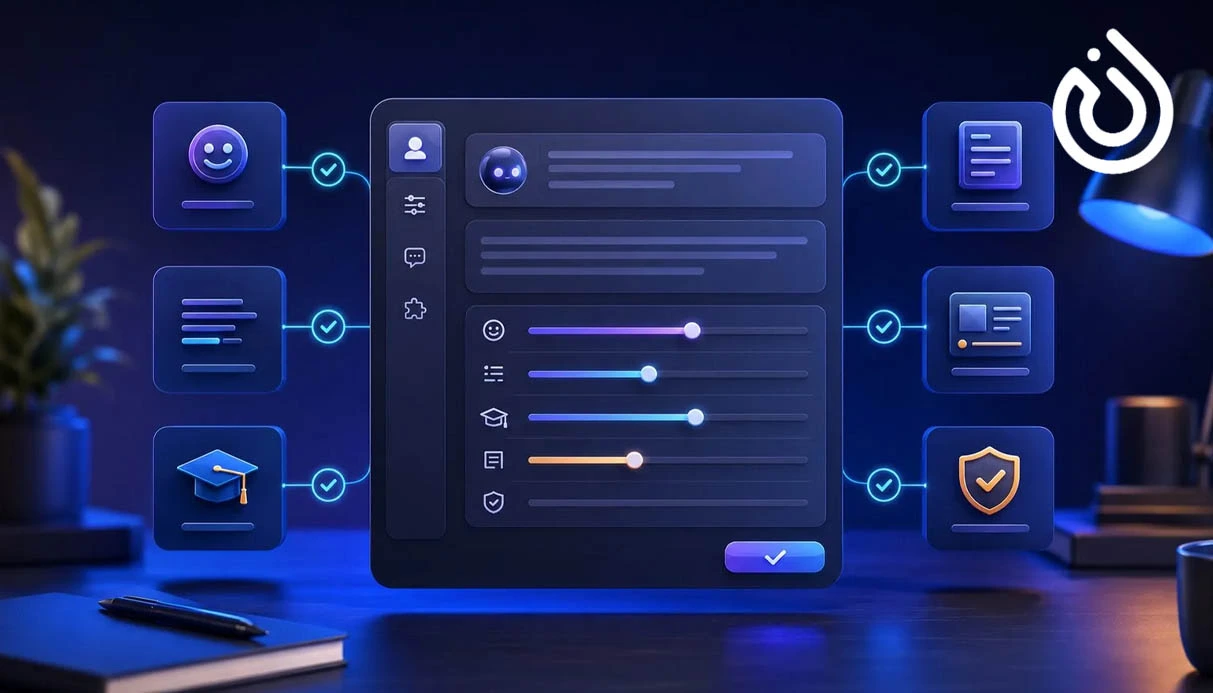
Muse is designed to remember relevant information about users, including their preferences, goals, plans, and working habits. This allows it to provide more personalized suggestions.
For example, if you previously shared your travel budget or dietary preferences, the assistant may use that information when helping you plan another trip.
Background Task Execution
Muse can support certain tasks in the background, allowing users to focus on other activities instead of monitoring every step.
It can track task progress and request additional information or approval whenever a decision is needed.
Browser and Online Service Interaction
Muse is designed to interact with websites and online services through a browser environment. Depending on available permissions and integrations, it can search for information, navigate web pages, complete forms, and assist with online tasks.
These capabilities can be useful for market research, product comparisons, online shopping, and administrative work.
Privacy and Data Security
Since an AI assistant may need access to sensitive information, such as emails and online accounts, security is an important consideration.
Muse's security architecture is designed to isolate user information and control access to connected services. Its security mechanisms are intended to monitor certain actions and reduce unauthorized access.
However, no security system can eliminate every risk. Users should carefully review permissions before connecting personal accounts.
How Is Muse Different from Traditional AI Chatbots?
The main difference lies in how these systems operate. Traditional chatbots mainly focus on answering questions, generating content, translating text, and providing information.
An AI Agent can go a step further by analyzing a request, planning the necessary actions, and helping execute them.
For example, if you want to organize a business meeting, a conventional chatbot may write an invitation email. Muse is designed to go further by checking available calendar times, helping coordinate the meeting, and assisting with subsequent steps after receiving the necessary permissions.
In short, Muse aims to bridge the gap between receiving information and completing real-world digital tasks.
Free and Paid Muse Plans
Access to AI assistants may include basic usage options as well as paid plans for users who require greater capacity.
The appropriate plan depends on how frequently you use the service and which features you need. Casual users may find basic access sufficient, while professionals and businesses may require higher usage limits.
Always check Meta's official subscription information for current prices, availability, and feature limitations before purchasing a plan.

Step-by-Step Guide to Using Muse AI
Step 1: Visit the Official Platform
Start by visiting the official Muse website or downloading the official application through a trusted distribution channel.
Step 2: Sign In to Your Account
Follow the registration or login instructions. Depending on your region, certain verification requirements or access restrictions may apply.
Step 3: Send a Request
Once logged in, communicate with Muse using natural language. You can ask it to organize your weekly schedule, research a project, or help plan a business trip.
Step 4: Connect Required Services
If supported, connect services such as email and calendars by granting the necessary permissions. Only enable access that you actually need.
Step 5: Review and Approve Actions
Monitor the assistant's progress and review important actions before allowing them to proceed. This is particularly important when dealing with purchases, emails, or sensitive information.
The Future of Muse AI and Digital Productivity
Tools like Muse demonstrate that the future of artificial intelligence extends beyond generating text, images, and answers. AI Agents are increasingly designed to perform practical tasks and manage more aspects of everyday digital life.
This development could benefit freelancers, developers, project managers, online businesses, and ordinary users. Automating repetitive tasks, saving time, and managing multiple activities are among the potential advantages.
Nevertheless, privacy, security, access control, and human supervision remain essential.
Conclusion: Is Meta Muse AI Worth Using?
Meta Muse represents an important step toward more capable personal AI assistants. Features such as email and calendar management, multi-step task execution, background activity, personal memory, and browser interaction could make everyday work more convenient.
For users who want to access international digital services, a reliable internet connection is also important. Choosing a stable network service can help maintain consistent connectivity, although it cannot guarantee access to every platform or eliminate regional restrictions.
Additionally, users who need international verification services may consider virtual number purchase buy a virtual number as a separate solution, provided that the platform supports virtual numbers and accepts them for verification.
Ultimately, understanding AI tools, protecting personal information, and choosing suitable digital services are essential for making the most of the evolving AI landscape.